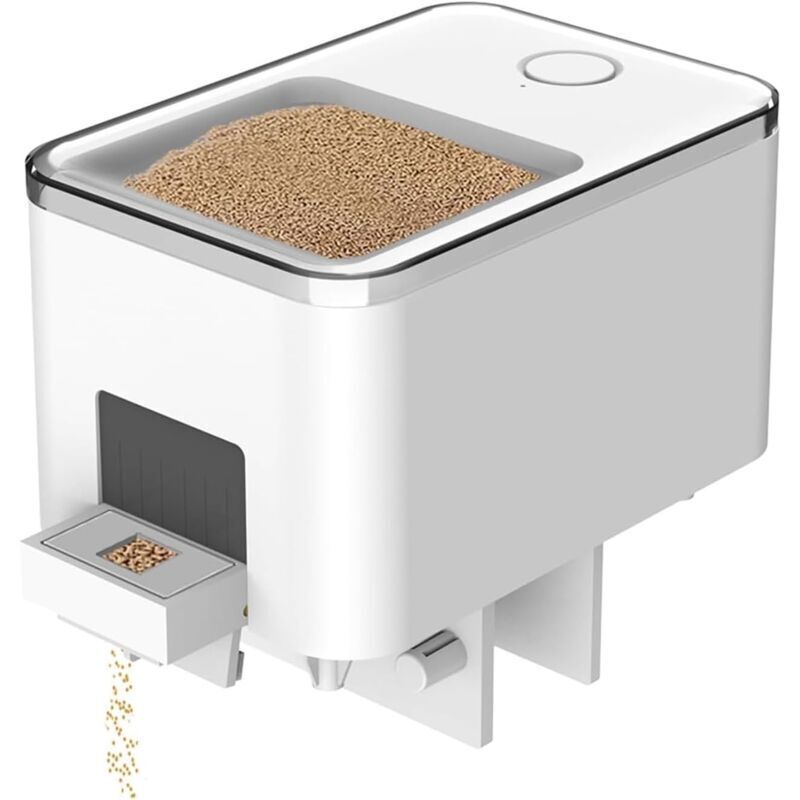
Description
You just need to adjust it according to the following 4 steps and you can easily learn how to use it. 1. Download the application. Search for “XiaoMeiSmart” in the App Store to download and install. 2. Connect to the power supply. Please connect the 5VDC input to the external power supply. The blue indicator light will flash rapidly and indicate the network adaptation status. 3. Activate Bluetooth on your mobile phone and open the application. On the home screen, tap the top right corner ○+ to add the device. A: Automatically search for the device and tap the device (SmartFishFeederWP8621N) in the list to connect. B: Manually add a device, select it by product category (Pet Supplies) and model (SmartFishFeederWP8621N), then follow the instructions to continue. 4. The blue light flashes slowly while distributing the network. When the network is successfully configured, the blue light remains on. If the network configuration fails, press and hold the button until the blue light flashes